
Follow a Property (Mobile App)
Following places and properties of interest
With Regrid, you can quickly and easily 'follow' properties that interest you. Following has two benefits: not only is it a quick and easy way to 'highlight' properties and save them into a list for later, but you can also get automatic updates when our data changes for that property.
At present, you will get notified when we update the data in your area; for the future, we're working toward being able to provide more granular change information based on what we hear from our users.
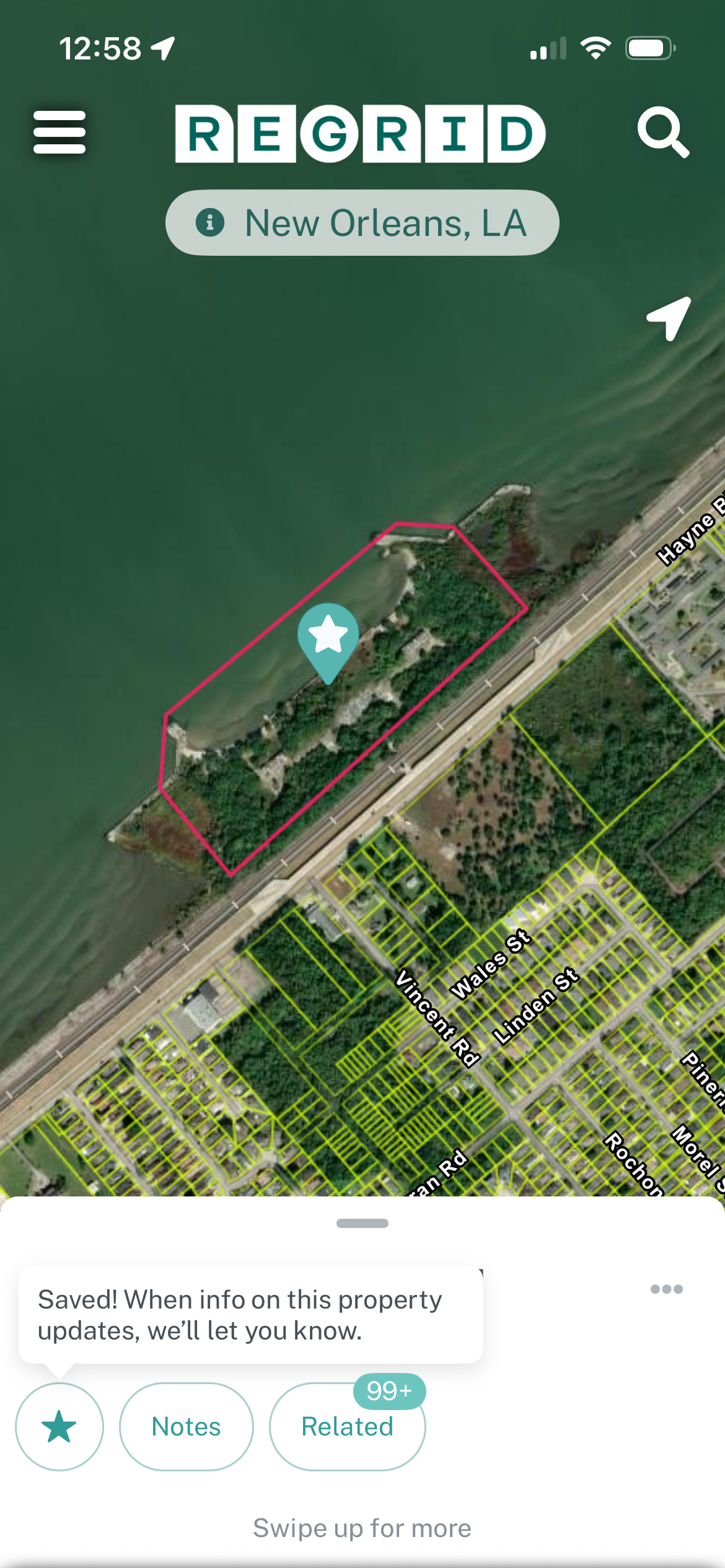
Tap on a property or place, then the star icon, to follow a property. From there, the 'Following' button ( Follow icon ) in the center of the bottom right toolbar will show you the list of all that you've followed.
Add Notes and Photos
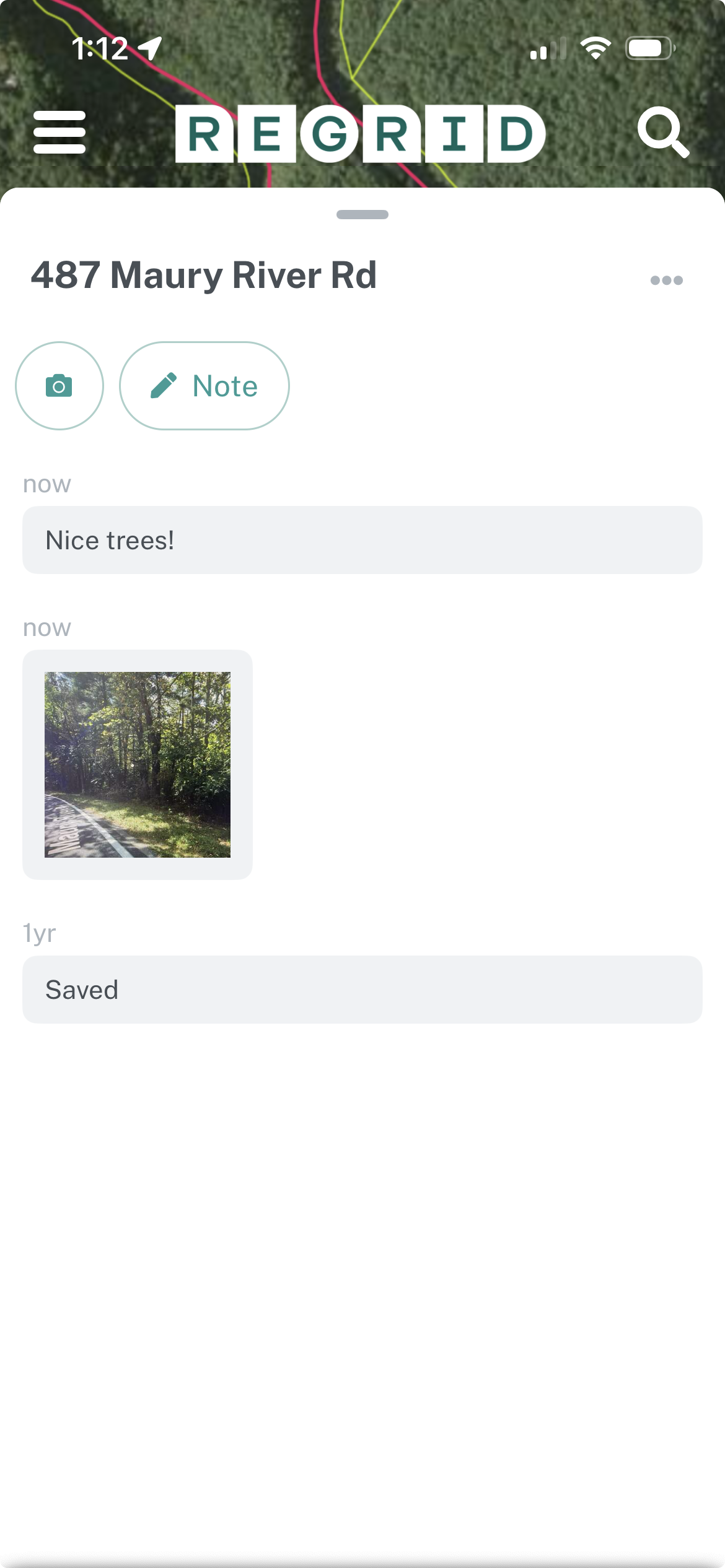
Users can add notes and photos to a followed property as well. These will show up in a timeline-style feed.
Updated 7 months ago