
Drop a Pin
Drop Pin 📍
The Drop Pin tool allows users to do two things.
First, users can find the lat/long coordinates of any place on the map by moving the crosshair into the desired location. If you want to copy this lat/long value, simply "long press" the value, and you should see the "copy" option pop up.
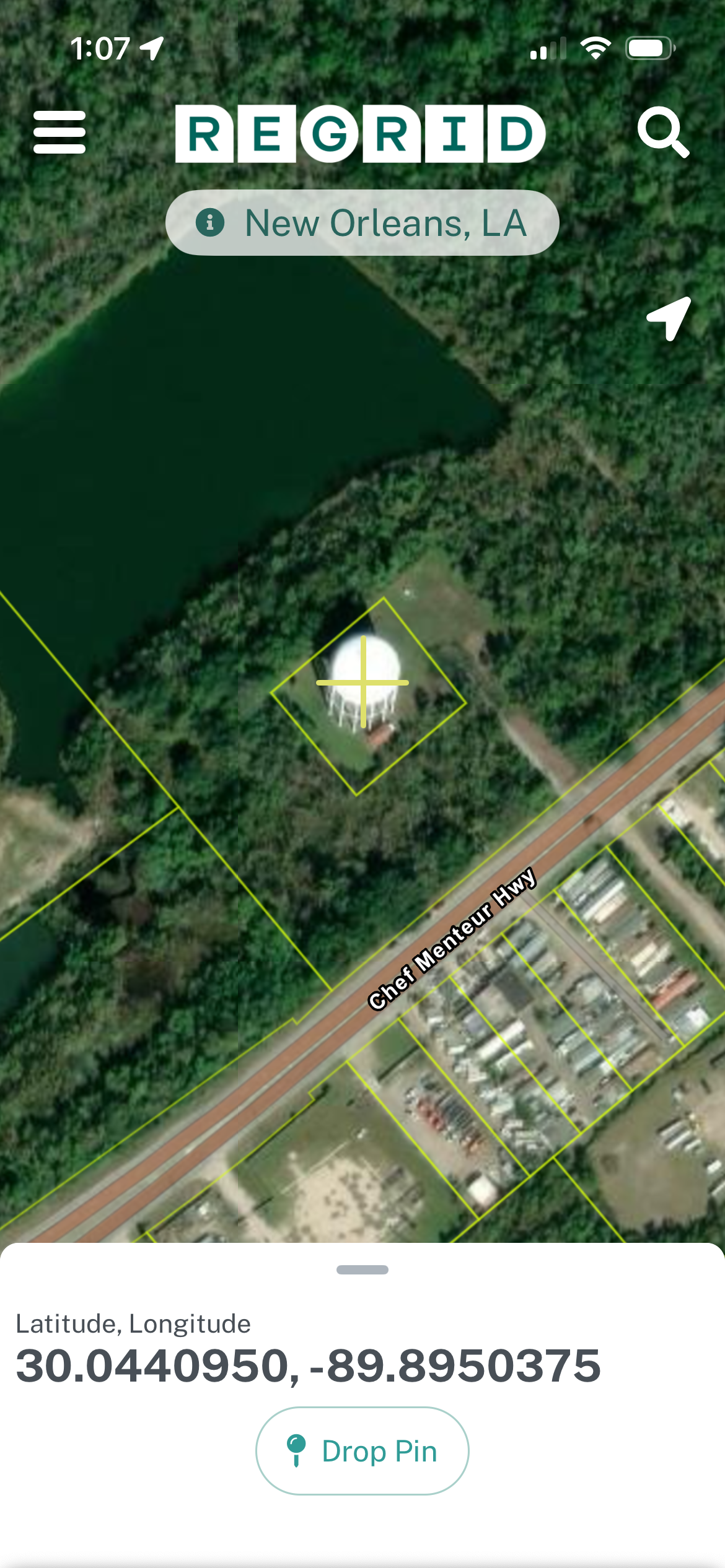
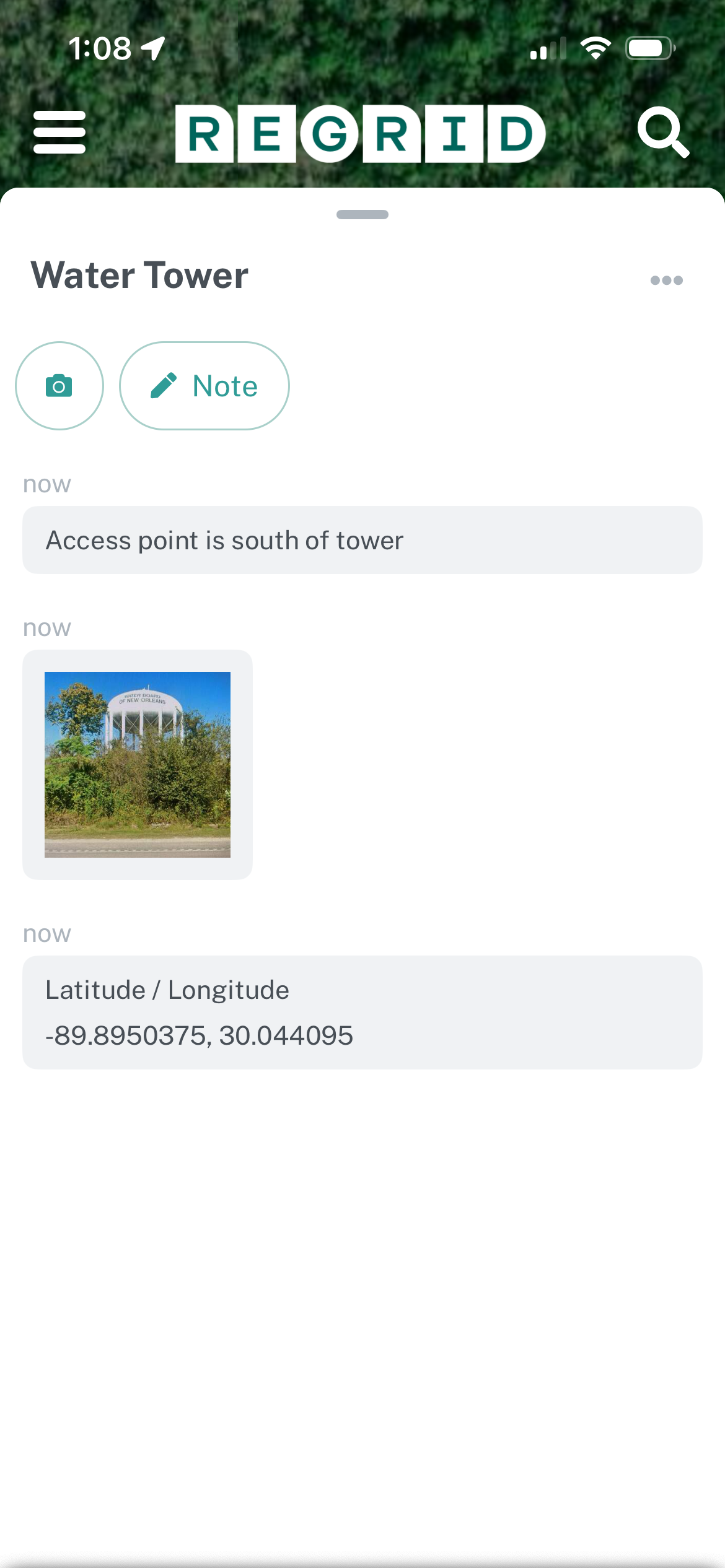
Second, users can drop a pin to save a particular location. Saved pins will show up in the user's 'Saved' panel, which is the middle option (star) in the main screen's bottom right toolbar. Once you have saved a pin, you can attach photos and notes.
Updated 7 months ago
Did this page help you?