
Print Options
Generate a Property Report (PDF)
You can get a printable report containing a specific properties' information by clicking the parcel, then 'Actions' at the top right, then "Print Parcel PDF".
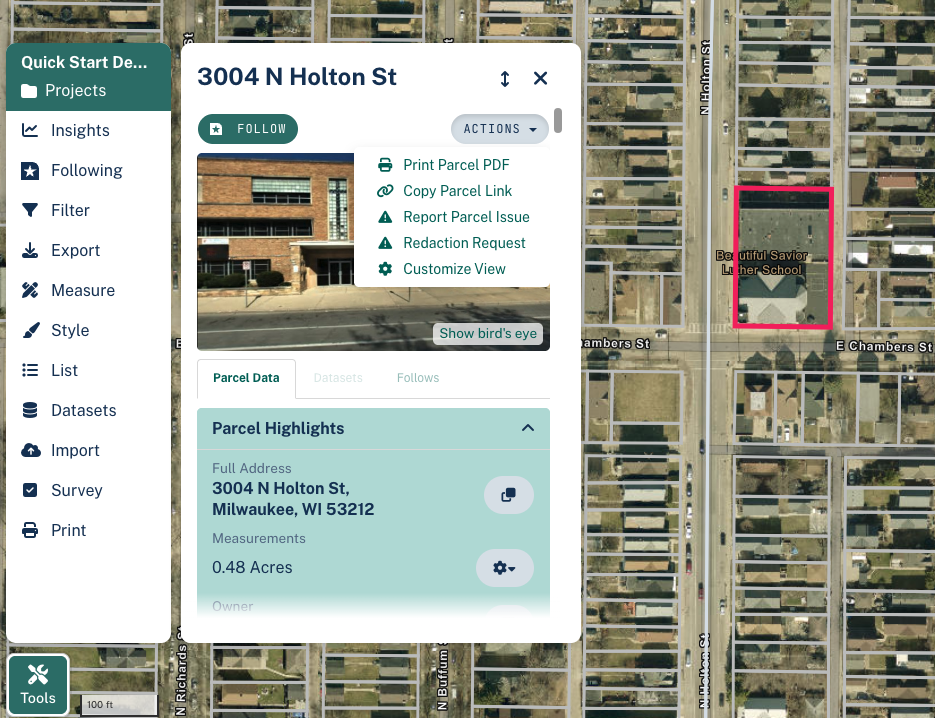
The PDF output of the file should look like the following:
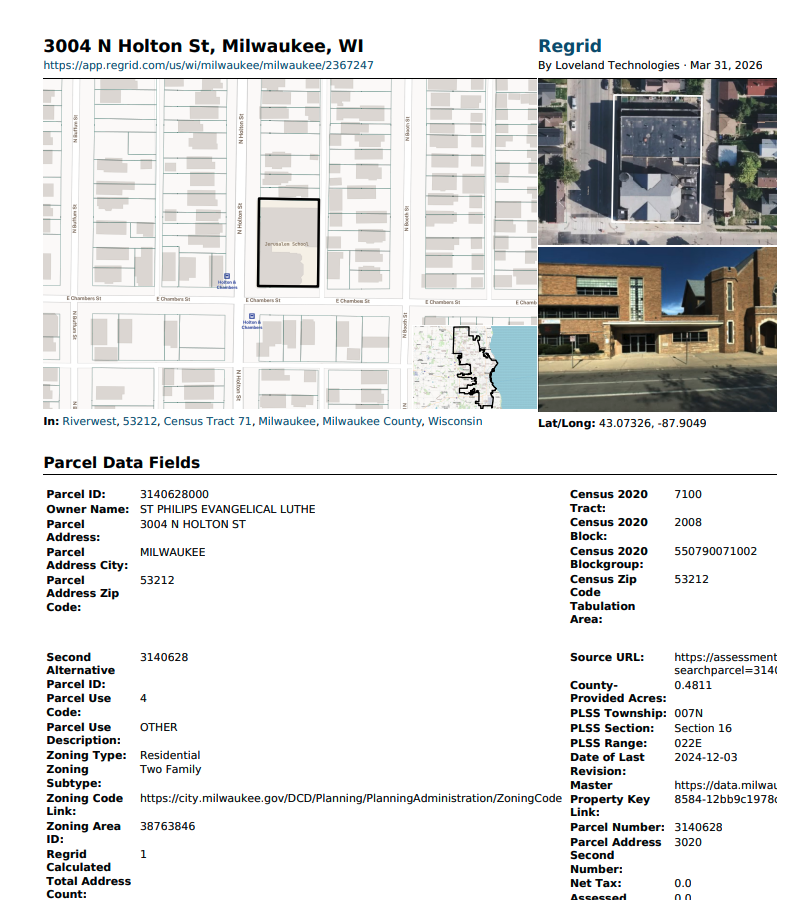
You can easily print out this PDF if you desire a physical copy.
Taking a Screenshot of Your Map
Most operating systems offer a native 'screenshot' function. This can vary across computers, but generally: Apple uses key combination Shift-Command-4 Windows uses key combination Windows-Shift-S
Either of the above tools will allow you to capture all or a portion of what you see on your screen.
Alternately, we also offer a 'Print' option, found at the bottom of the left hand toolbar. This option will download a PNG image of your current map view.
PS If you are looking for a way to share your Project with others digitally, you can check out this article to learn how.
Updated 6 months ago